


Search
The Search option allows you to explore national and local coverage documents using criteria such as keyword, code, or document ID.
Use the MCD Search feature to find specific coverage documents or a document with certain keywords. We suggest searching by keyword, CPT code, HCPCS code, ICD-10 code, by document ID, or by MAC. See how you can use the Search feature in this section before we move on to understanding your search results.
Search Using the Hint List

Figure 22: Starting Your Search
Enter the document ID, keyword, code, or MAC name into the Search field. This list shows related articles, LCDs, and other potential matches.
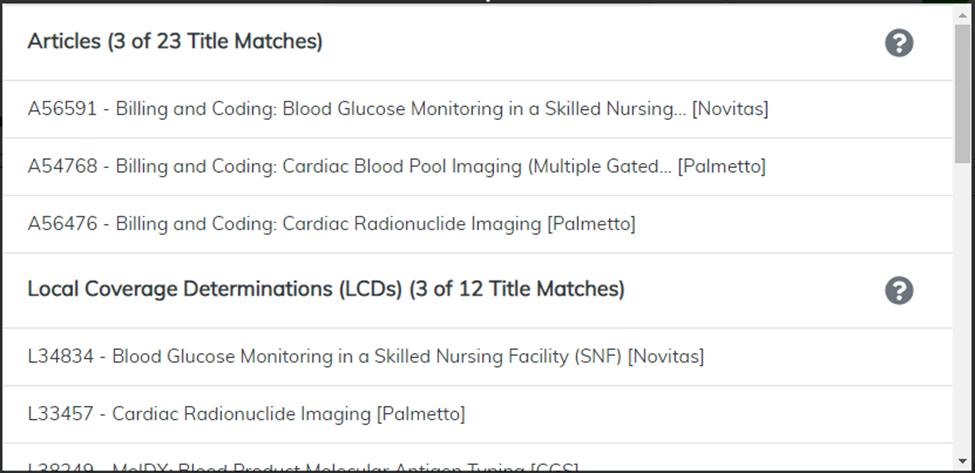
Figure 23: The Hint List
As you use the Search feature, you may see the yellow AMA License Agreement bar. Select I Accept to continue your search

Figure 24: The AMA License Agreement Bar
You may click to select and view any document from the Hint List, or you may narrow your search by selecting a state.
Then, you have the choice to narrow your search by selecting a state, but you can also use All States to return more results.

Figure 25: Selecting All States
Launch your search by entering information and clicking the green submit button.